
Extra Large Widgets Are Here
Widgetsmith 8.5 brings extra large widgets to your iPhone running iOS 27.
Extra large widgets fill an entire Home Screen, giving you an expansive view of your favorite photos, most-played albums, upcoming events, and more.
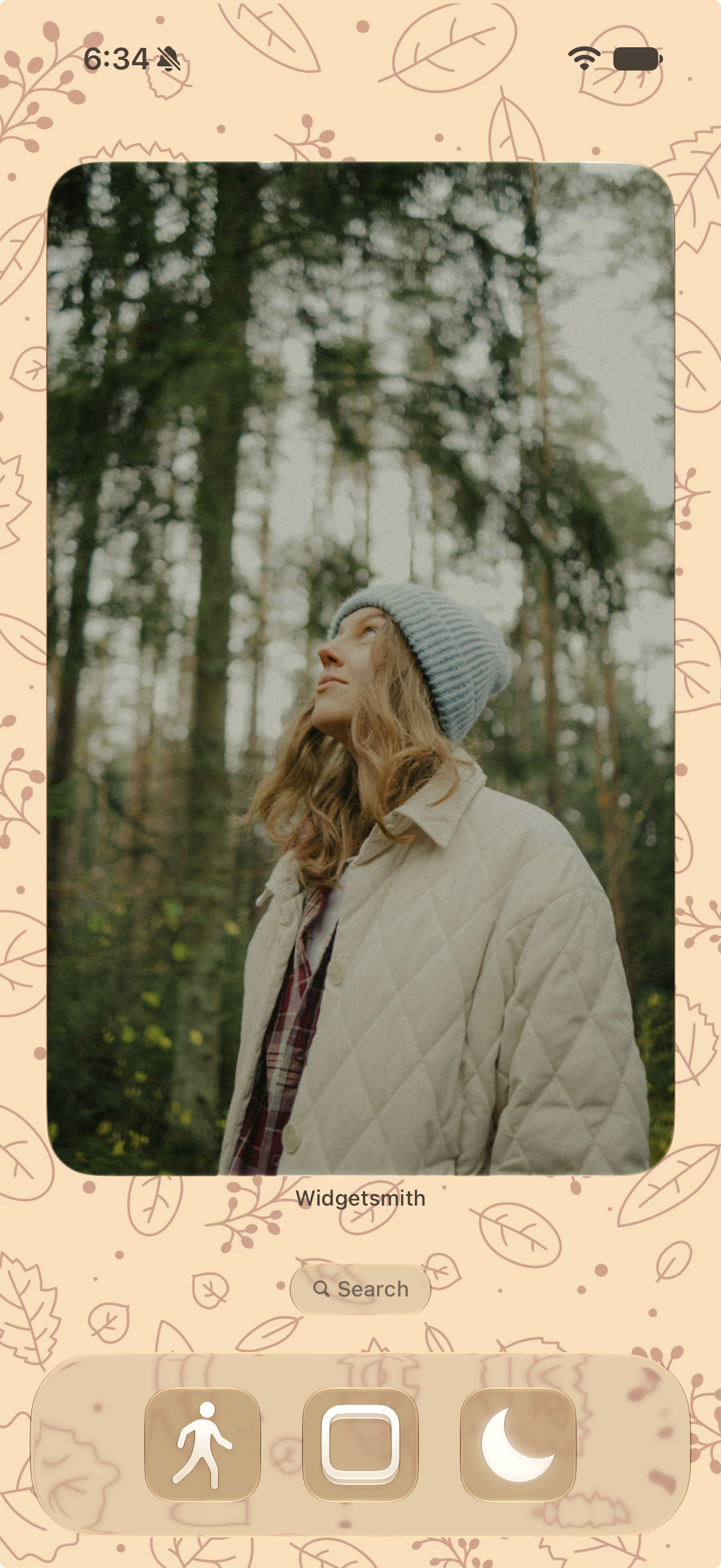
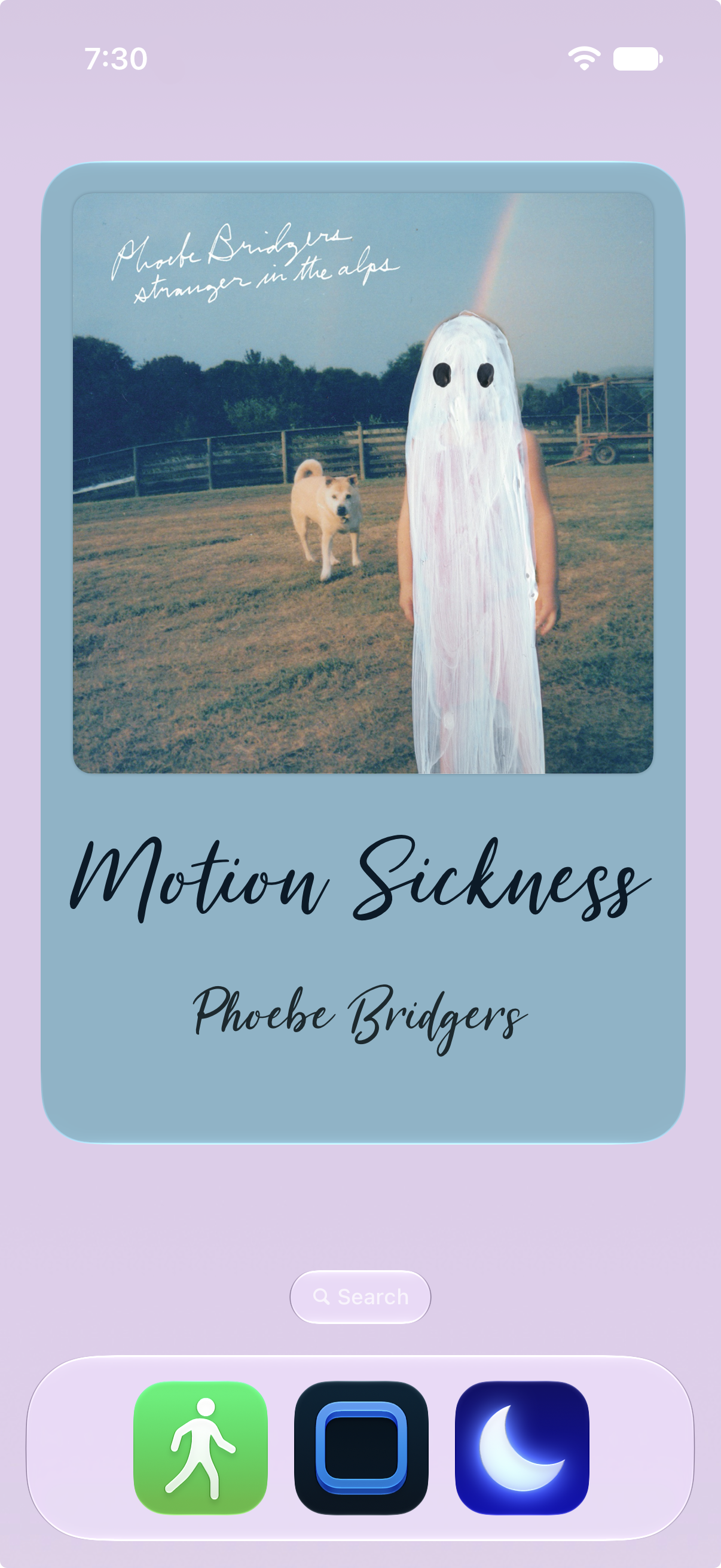
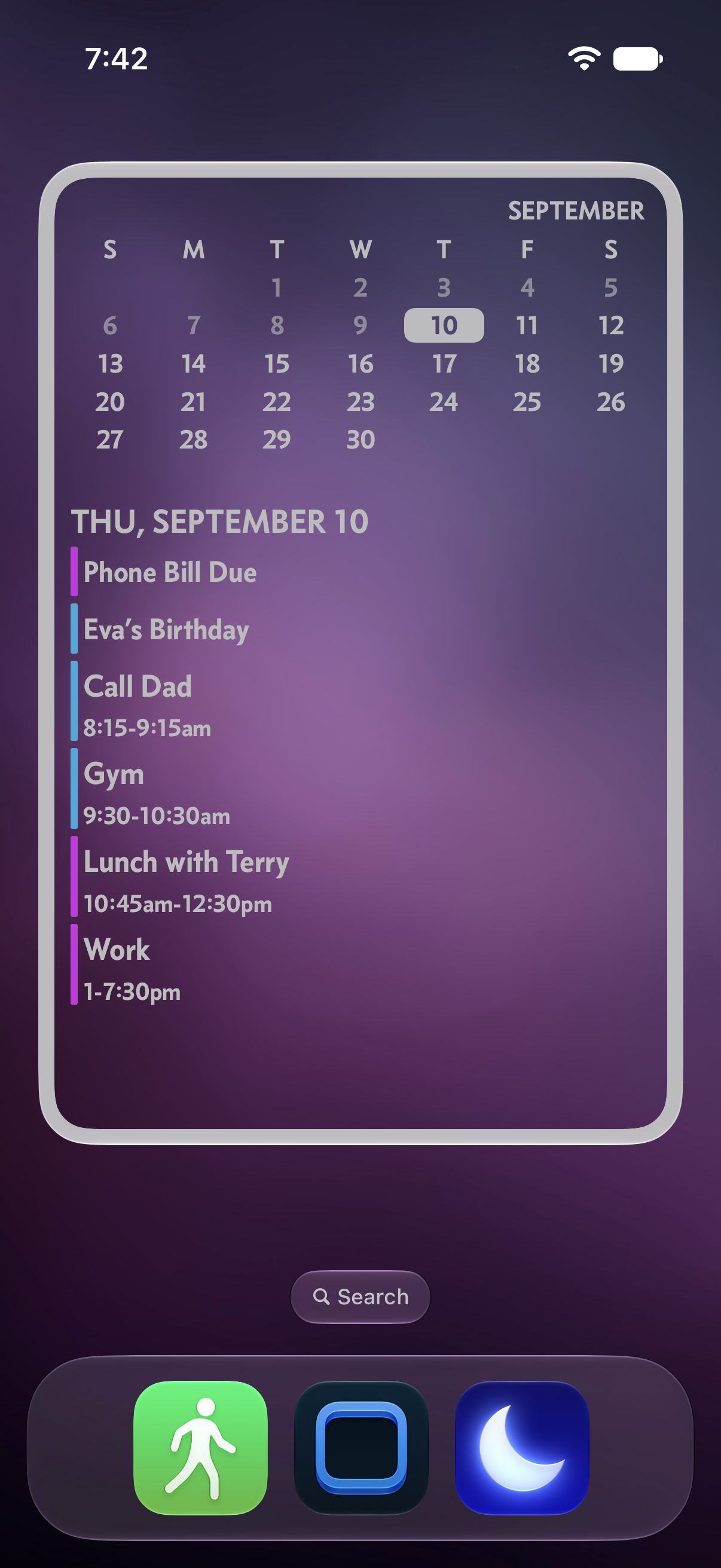
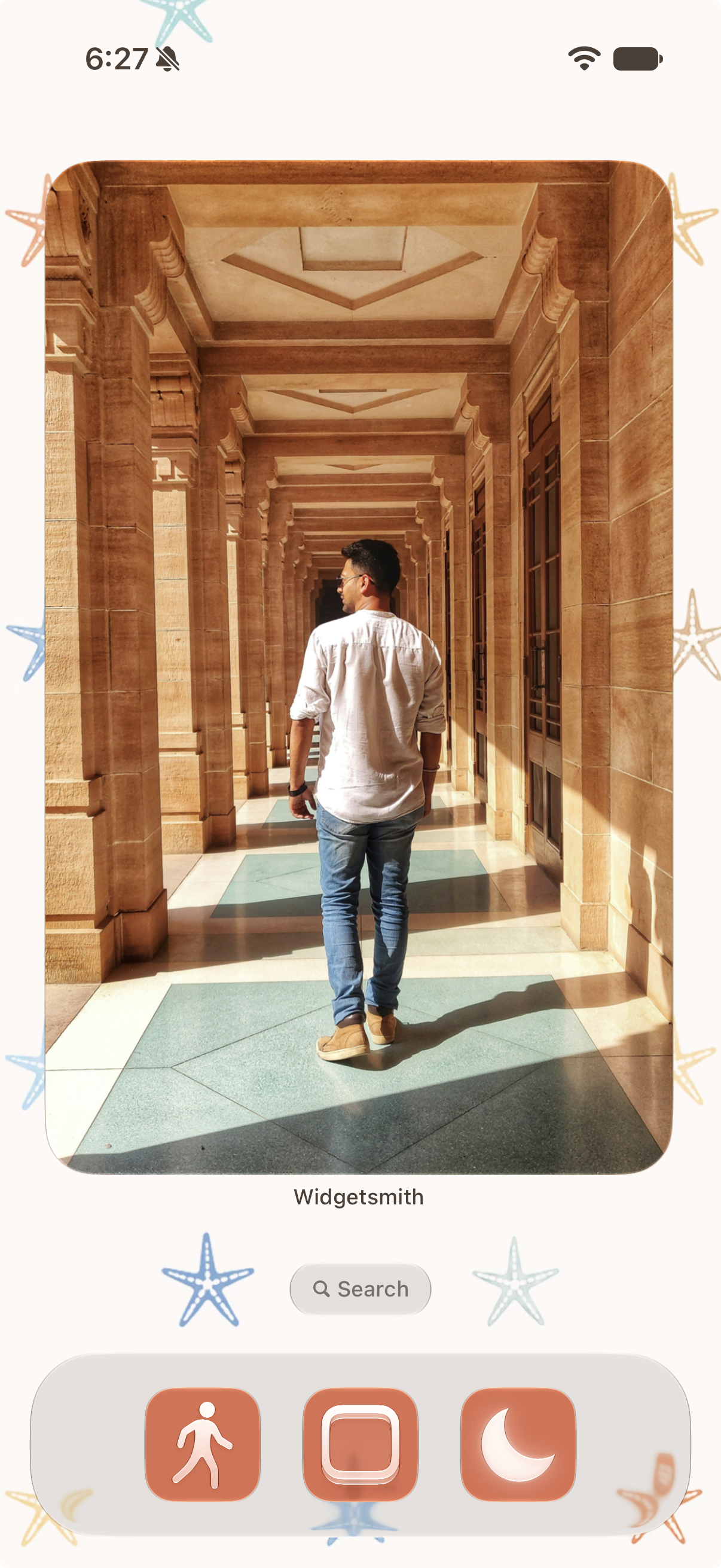
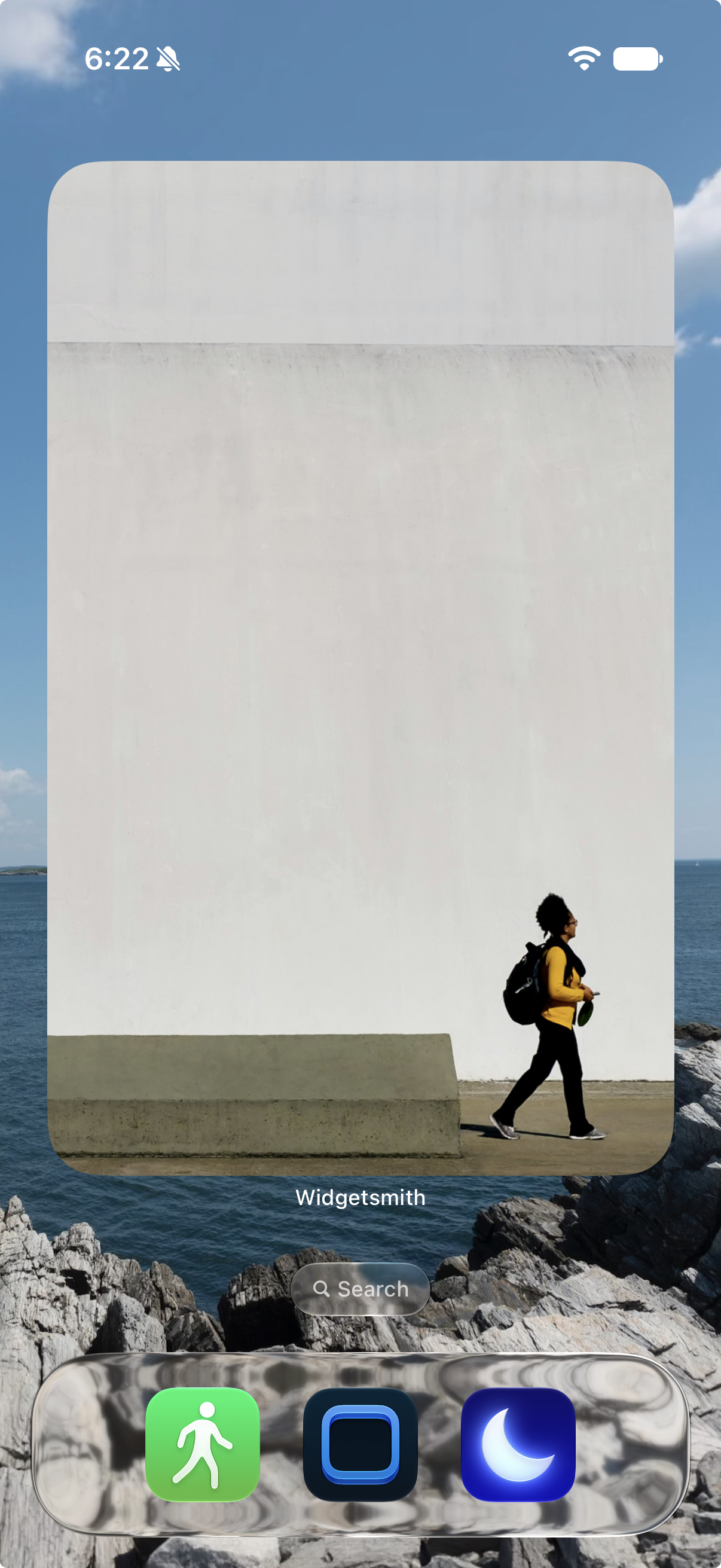
These widgets feel right at home on the Today screen – which you find to the left of your Home Screen – where you can mix and match widgets of all sizes in a scrollable list.
Digital Time & Calendar
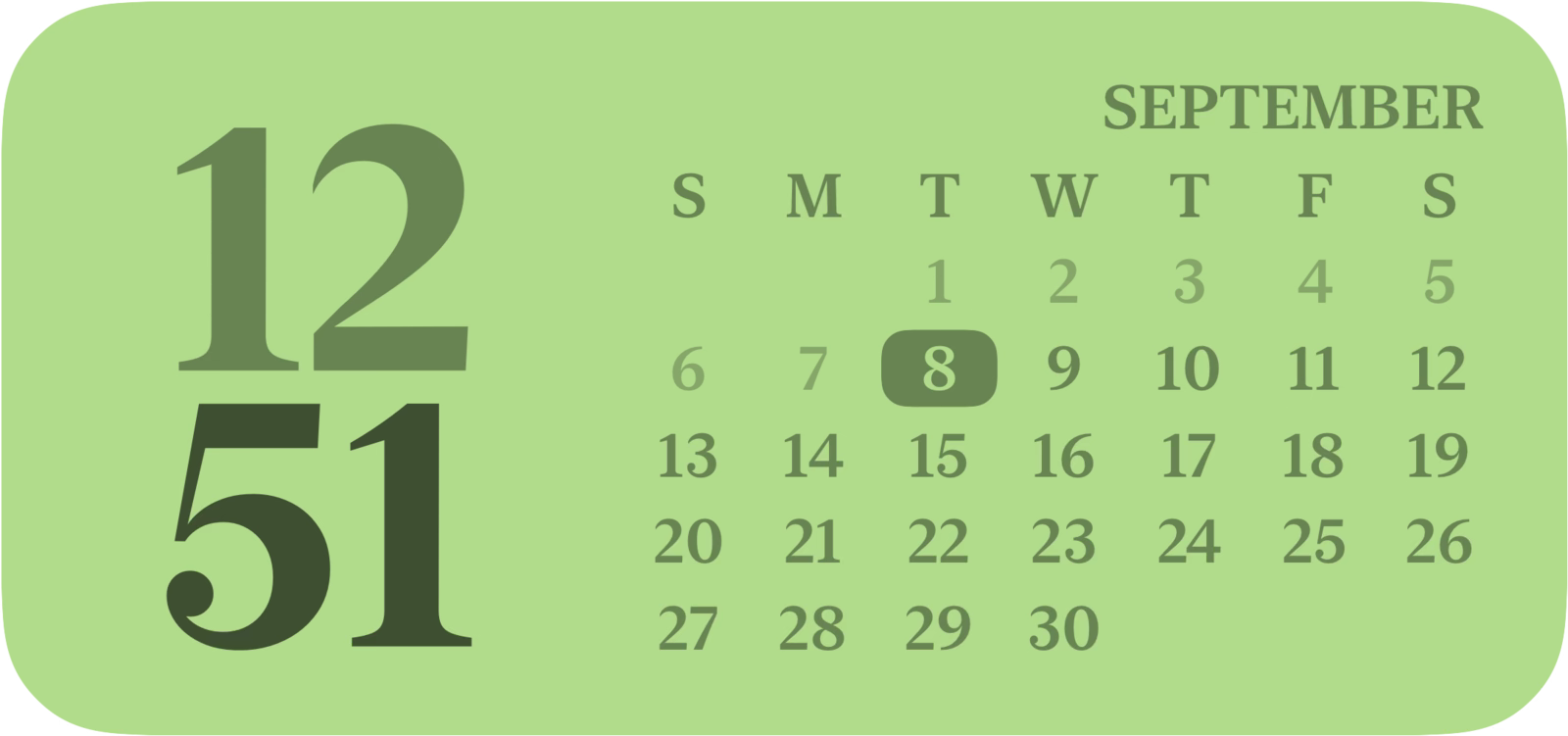
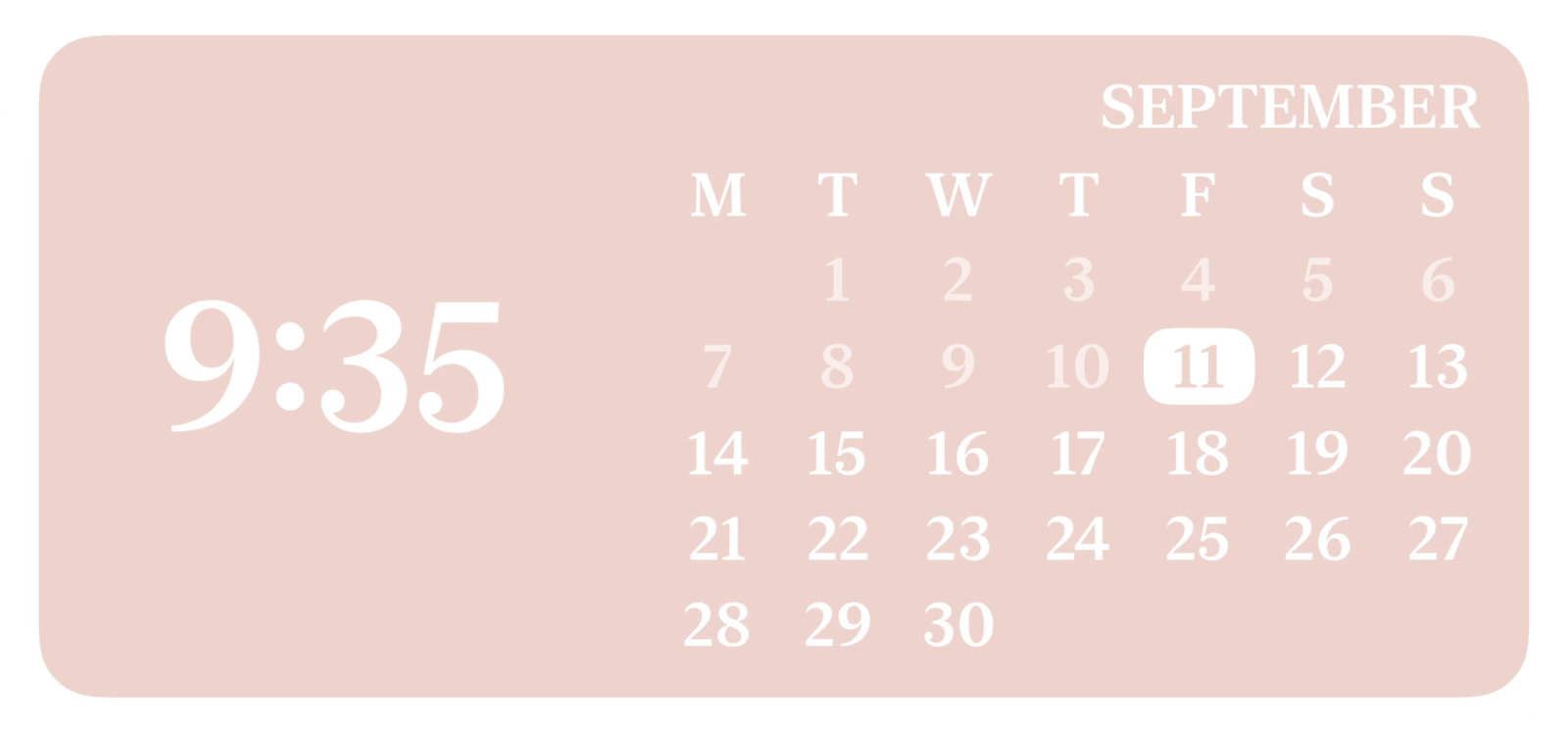
Clocks and calendars are among our most popular widgets, so we combined the best of both into new medium widgets that pair a digital clock with a monthly calendar — another way to make your Home Screen your own.
Calculator Widget
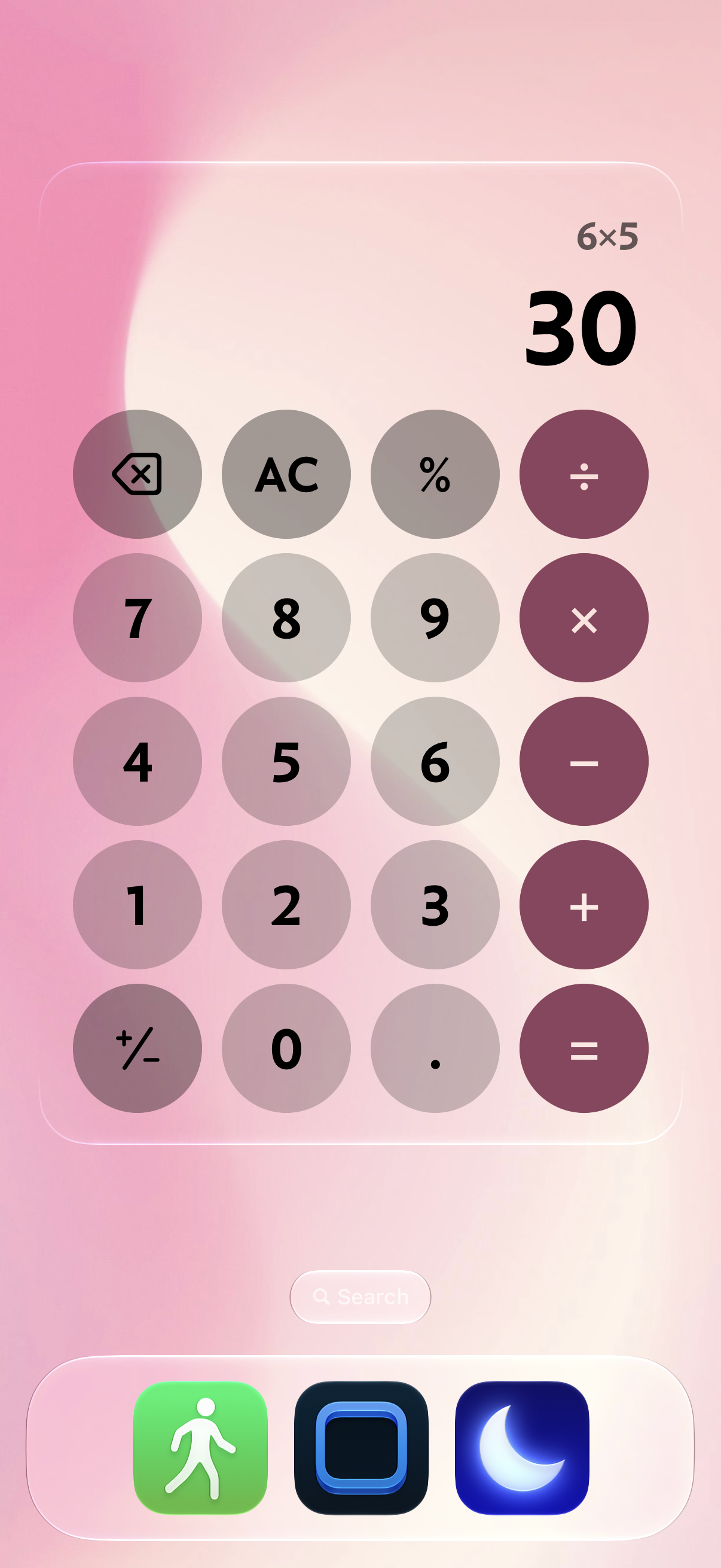
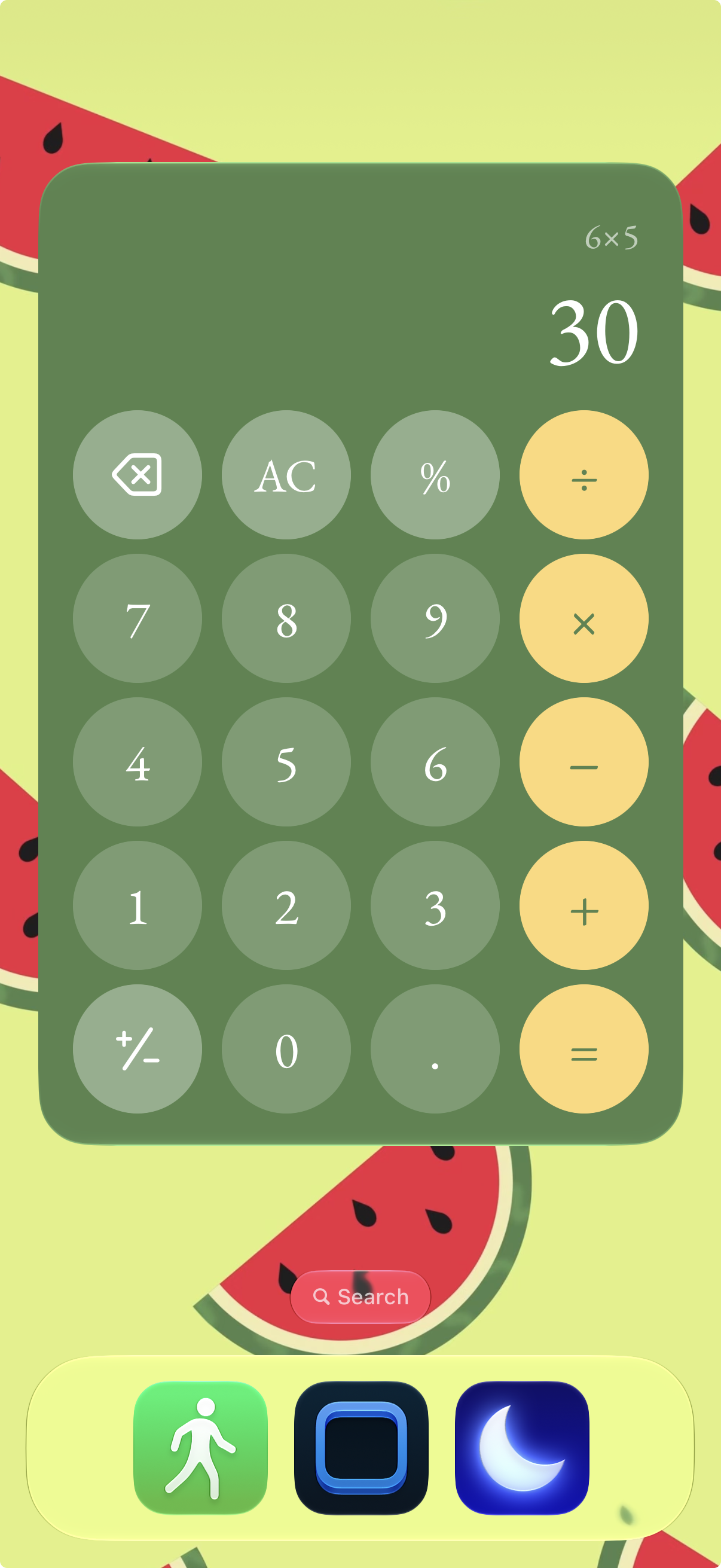
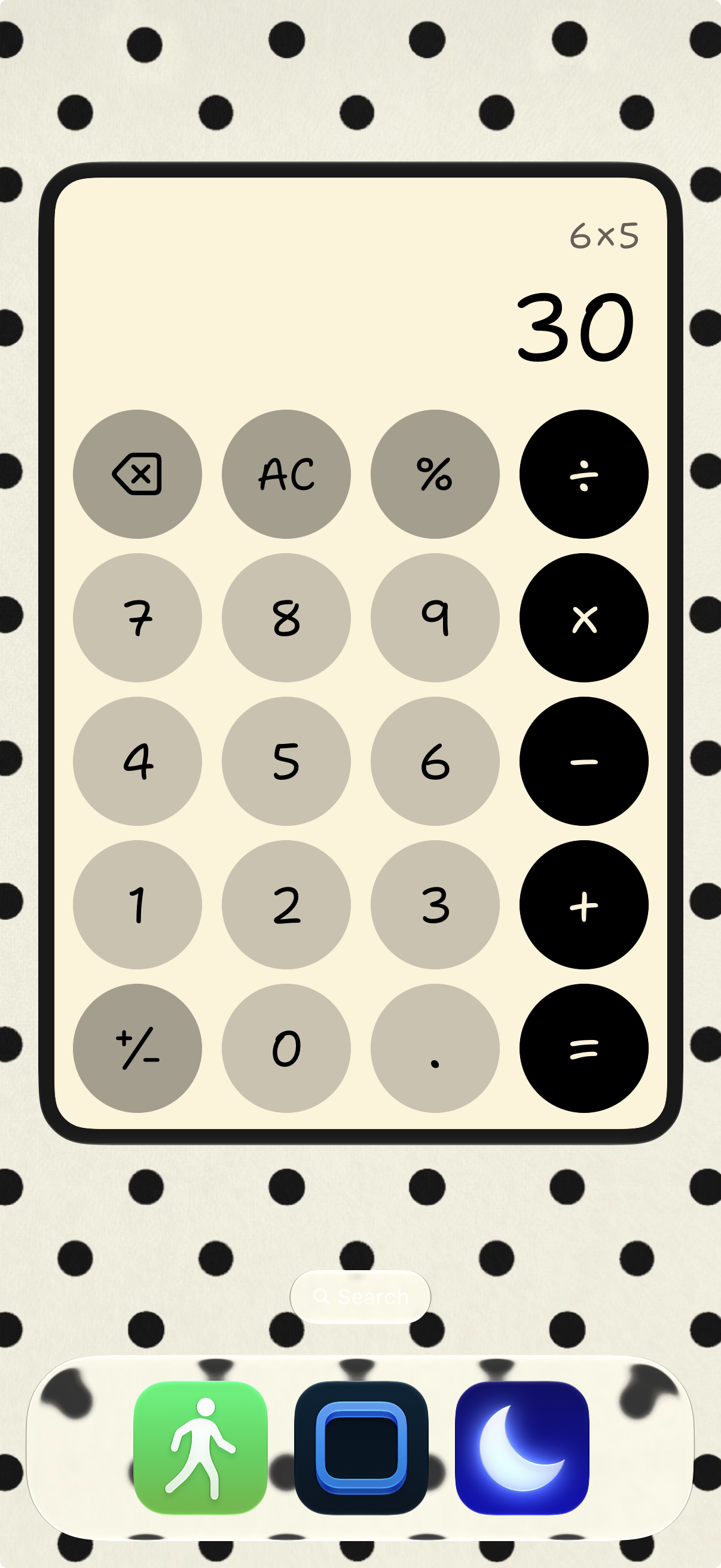
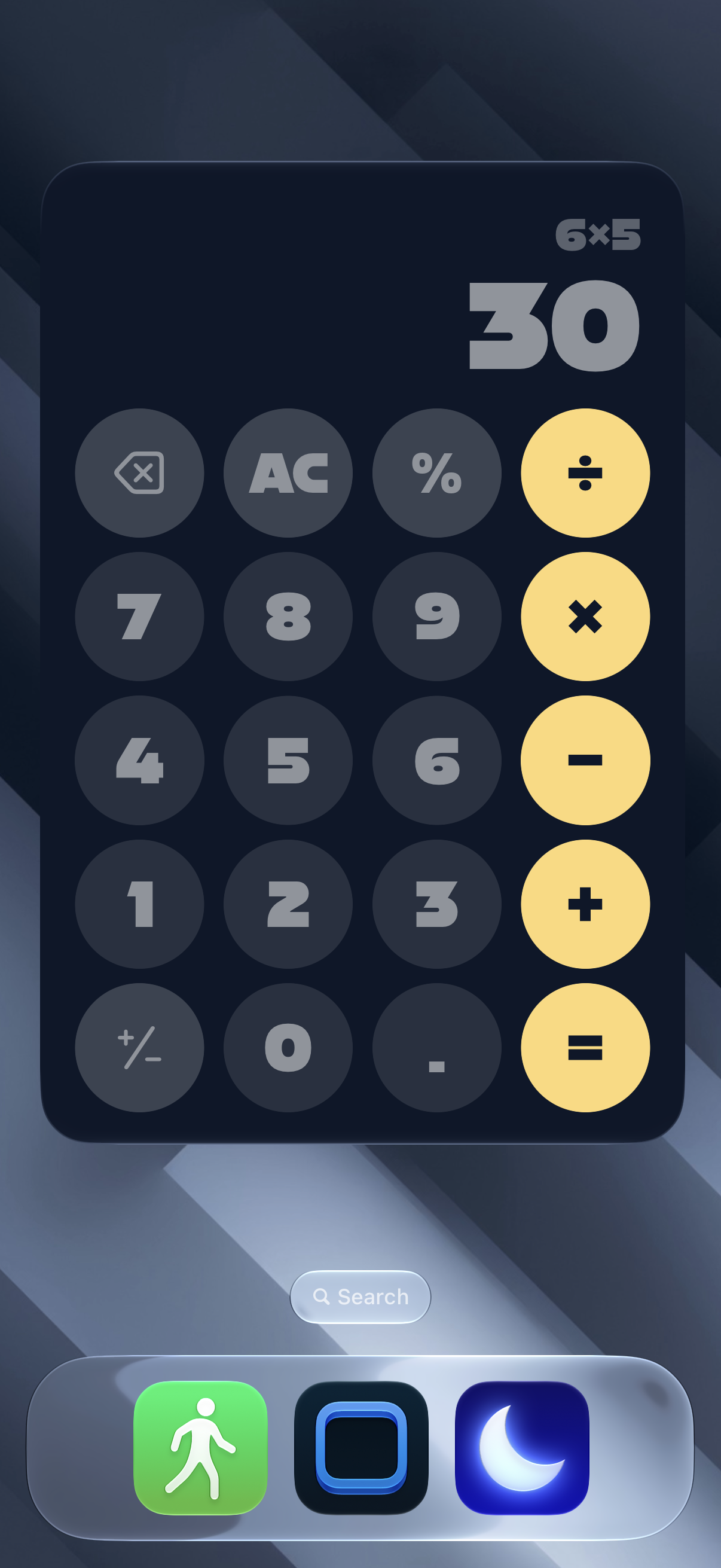
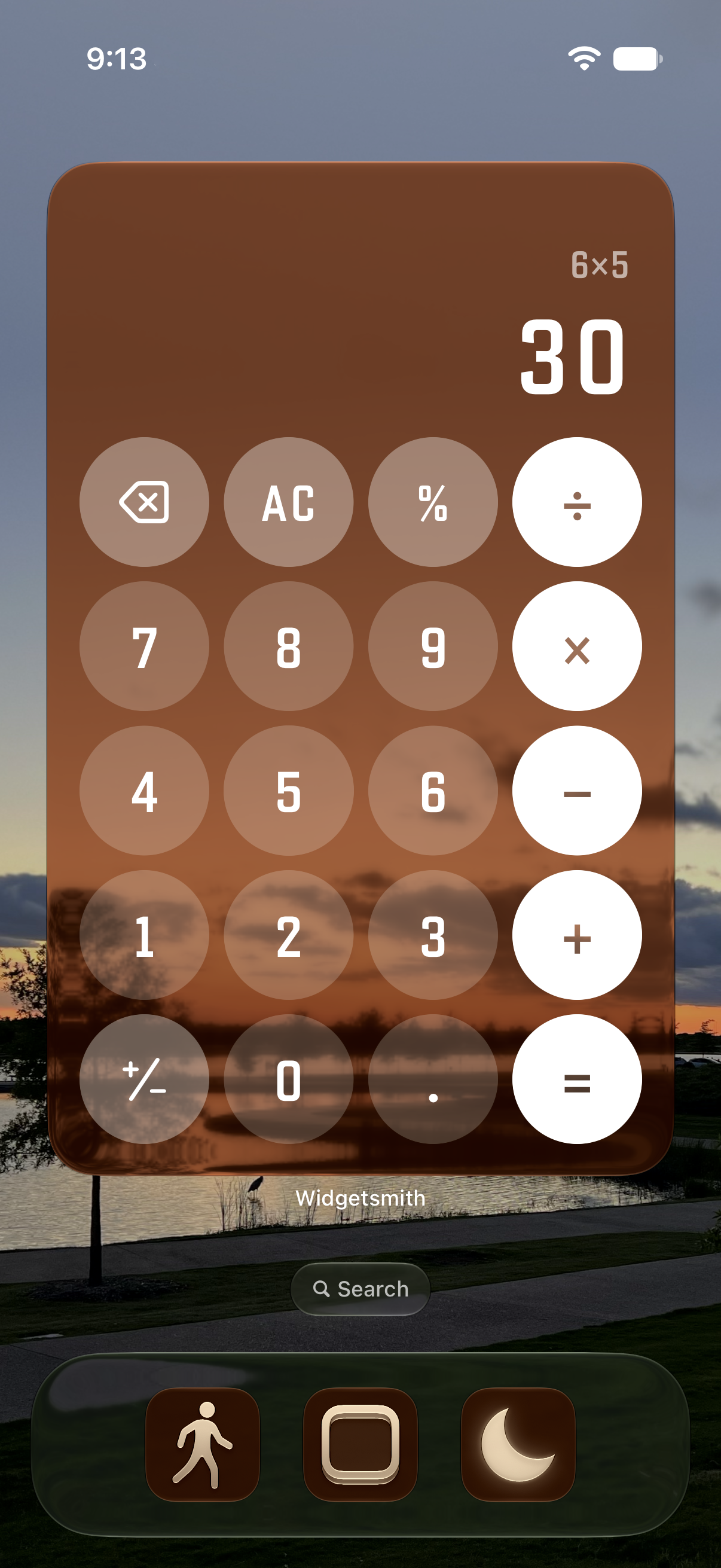
We’ve built a new Home Screen calculator widget. It’s handy for quickly splitting a bill, calculating a tip, and other everyday tasks.
Of course, the calculator fully supports our theming options, so it can work with your aesthetic as it changes over time.
We are thrilled with how this update has come together. Our new widgets are a great way to refresh your iPhone Home Screen.