
✨Let Your Wallpaper Shine Through✨
We love widgets and wallpapers. Why not put them together?
We’ve added a new feature to Widgetsmith that shows more of your wallpaper by giving your widgets a clear or frosted look.
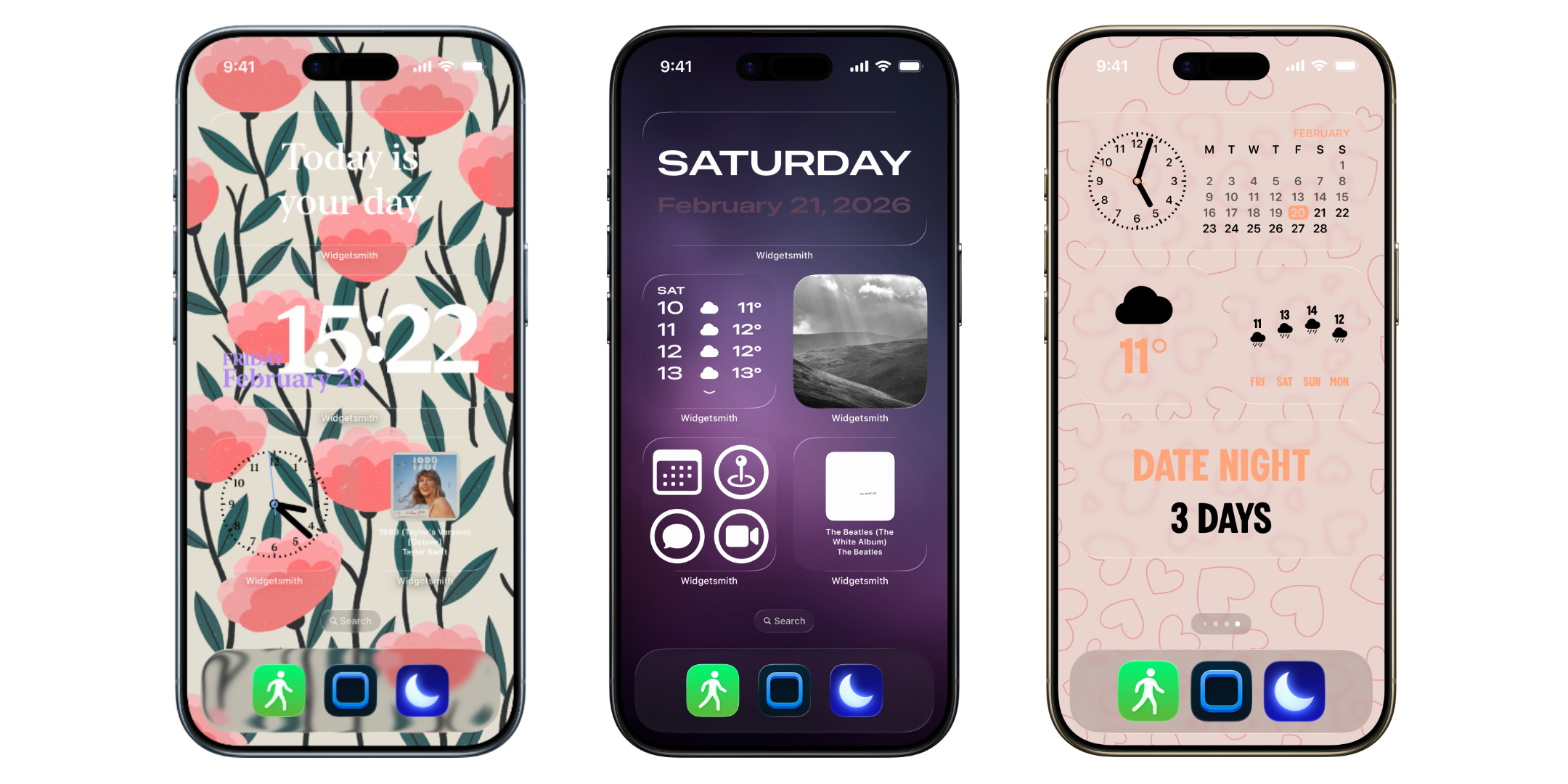
Choosing the right wallpaper for your iPhone is a big deal, and when you’ve found one you love, you don’t want to hide it.
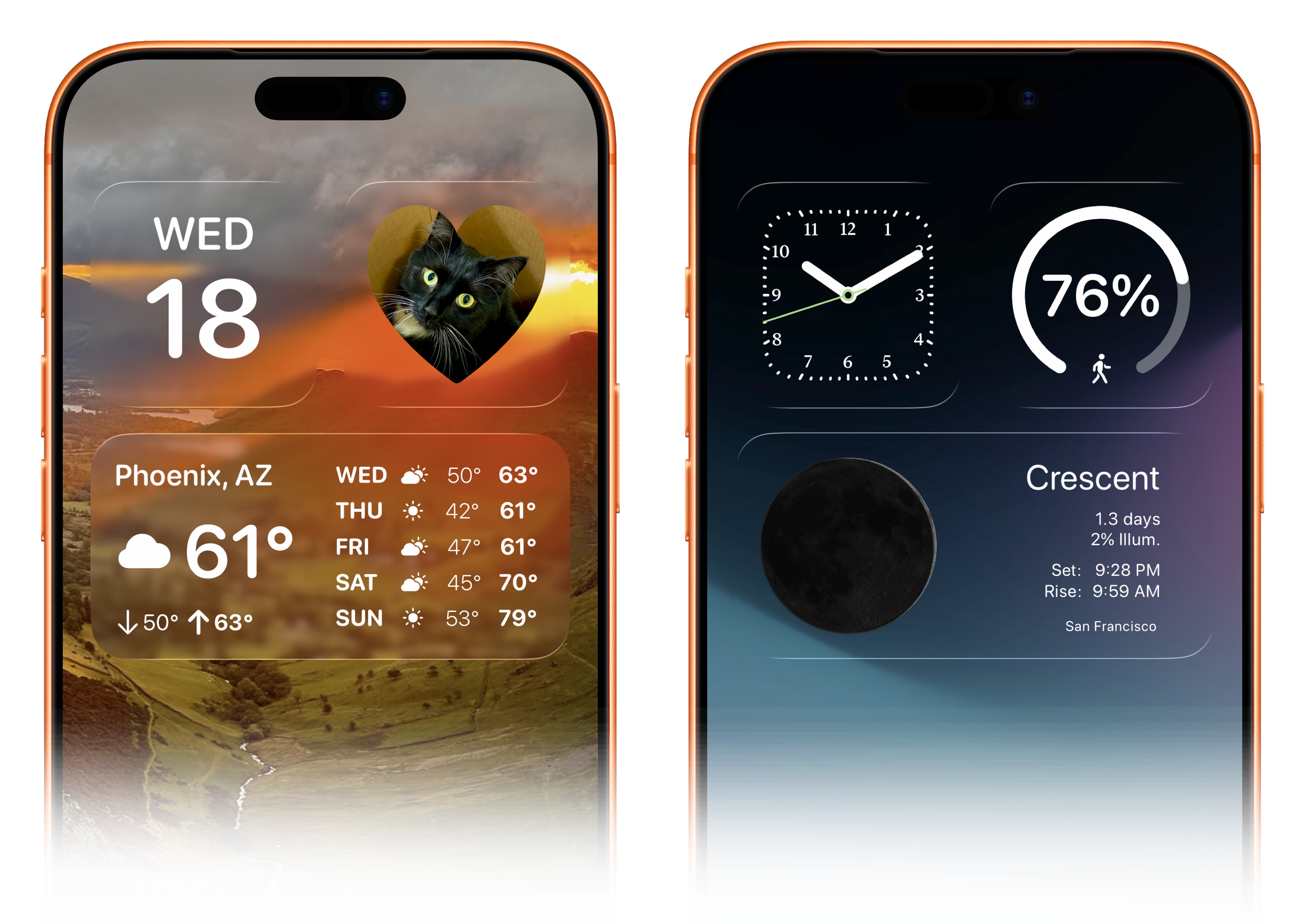
You can now create Home Screens that look right at home in iOS 26 and still customize everything. Apple’s built-in Tint tool can make things translucent, but monochrome… Now you can add color back using all the tools you already love in Widgetsmith.

Check out this video to see how to set up a clear widget, step by step:
Photo Backgrounds
We’ve also added a way to use any image as a background for your widgets. You can choose a photo of your family and friends, your pets, a dream destination, or even a pattern you enjoy.
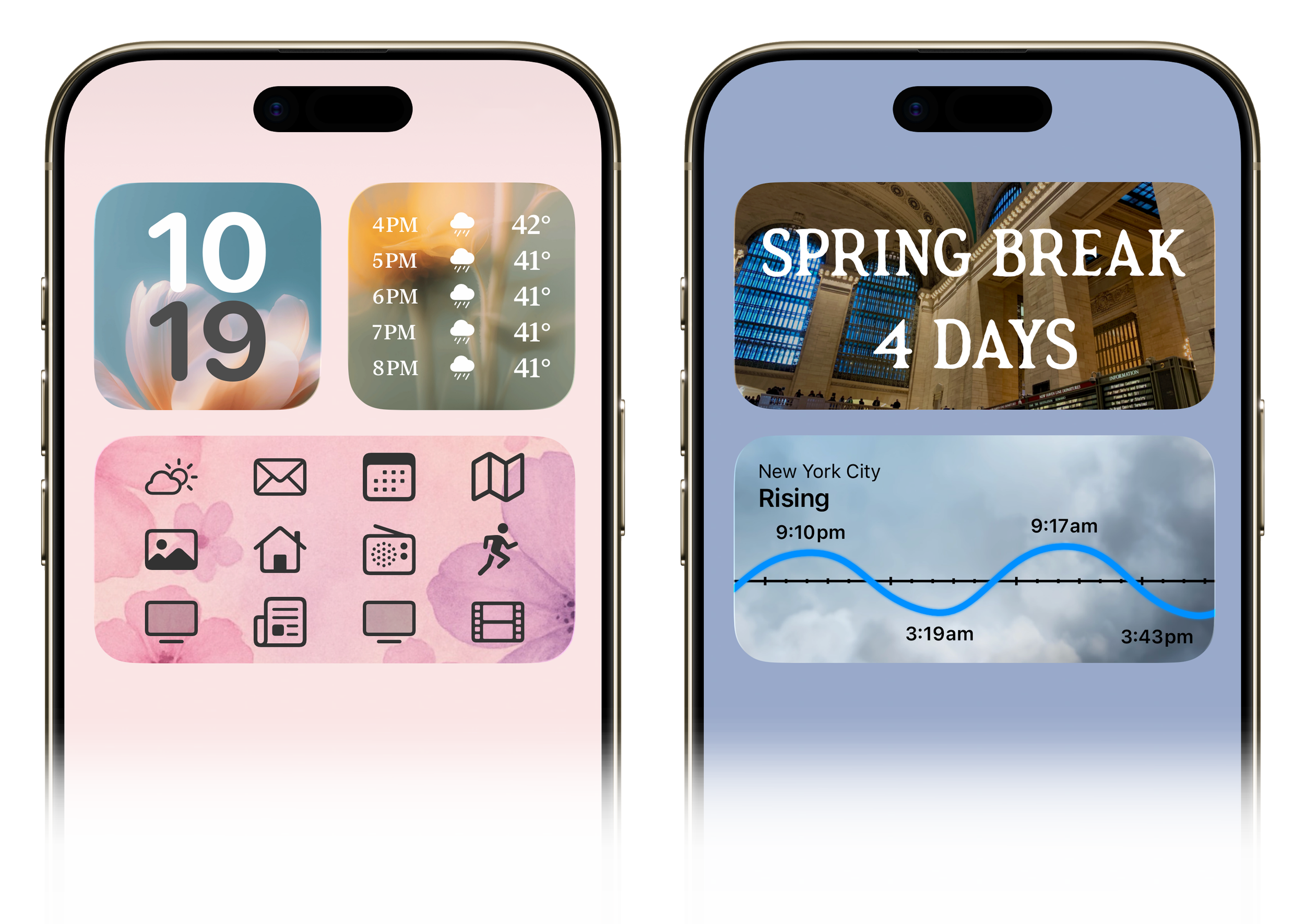
Update to Widgetsmith 8.2 in the App Store today.